
When I talk to people in my social circles, I hear that people struggle with using controllers to play video games. It’s not an easy task! It takes a bit of hand eye coordination, at times muscle memory, and definitely practice. Then, the cherry on top, controllers in video games aren’t universal. Each game, even from the same developer, has its own set of mechanics and therefore, its own controllers to learn. The worst is spending hundreds of hours in one game to then switch to another game and get slammed because you have memorized the wrong buttons for the wrong game! This is a large deterrent to some players, and I can’t blame them. I was there too. However, everyone starts somewhere with the right game and the right mindset.
My gaming world was going through major changes when I was in college. In high school, World of Warcraft was my life, at least socially. My best friend and I would literally meet up and play together through that game. Our families weren’t always available to take us across town to see each other, so we found a different way! But as high school classes were traded out for college courses, everything changed. Socializing through clubs and study parties, and navigating life not at home took over. World of Warcraft was slowly fading further into the background. I needed a new gaming perspective. Luckily, the new people I met brought a “new” (well new to me) game to my perspective, The Elder Scrolls V: Skyrim.

Finally Awake
Outside of Nintendo and Lord of the Rings Online, I haven’t really experienced a game that told a story like Skyrim. It was my first open world and single player game experience. Up until this point, I really had been playing games with other people. My best friend and I would experience every game together online or offline. If we couldn’t play it online together, we would play it when we get home from school (after homework of course) in preparation to geek out about it the next day at lunch or homeroom. When I didn’t have my best friend, there was my brother or the other players I connected with over years of gaming together in guilds. Now, I was on my own in a new environment with a new game.
I was familiar with Steam from my brother. Luckily, he had been using Steam for a long time as we grew up, so I had seen the interface a bit. At least, it was enough for me to be able to navigate through the store, purchase Skyrim, and download it without much difficulty. Opening that game and seeing the infamous opening cart scene for the first time is an experience I will never be able to have in a game again. I was in awe of the graphics and music. The way this game told its story captured me immediately. There was only one problem. I could not for the life of me get used to the controls!
The Game Changing Shift
I had only ever played PC games using a mouse and keyboard. The only controllers I had used up until this point were for the GameCube, Wii, and Guitar Hero. Using the “E” key to interact with everything was hard as well as navigating using my mouse for the camera. I didn’t know at the time I could change all of that in the settings. I thought that was something unique to massively multiplayer online (MMO) games (yes, I know now that is not the case). The Dragonborn was struggling to be the hero of the story, to say the least. Then my new friends introduced me to USB controllers for PCs.

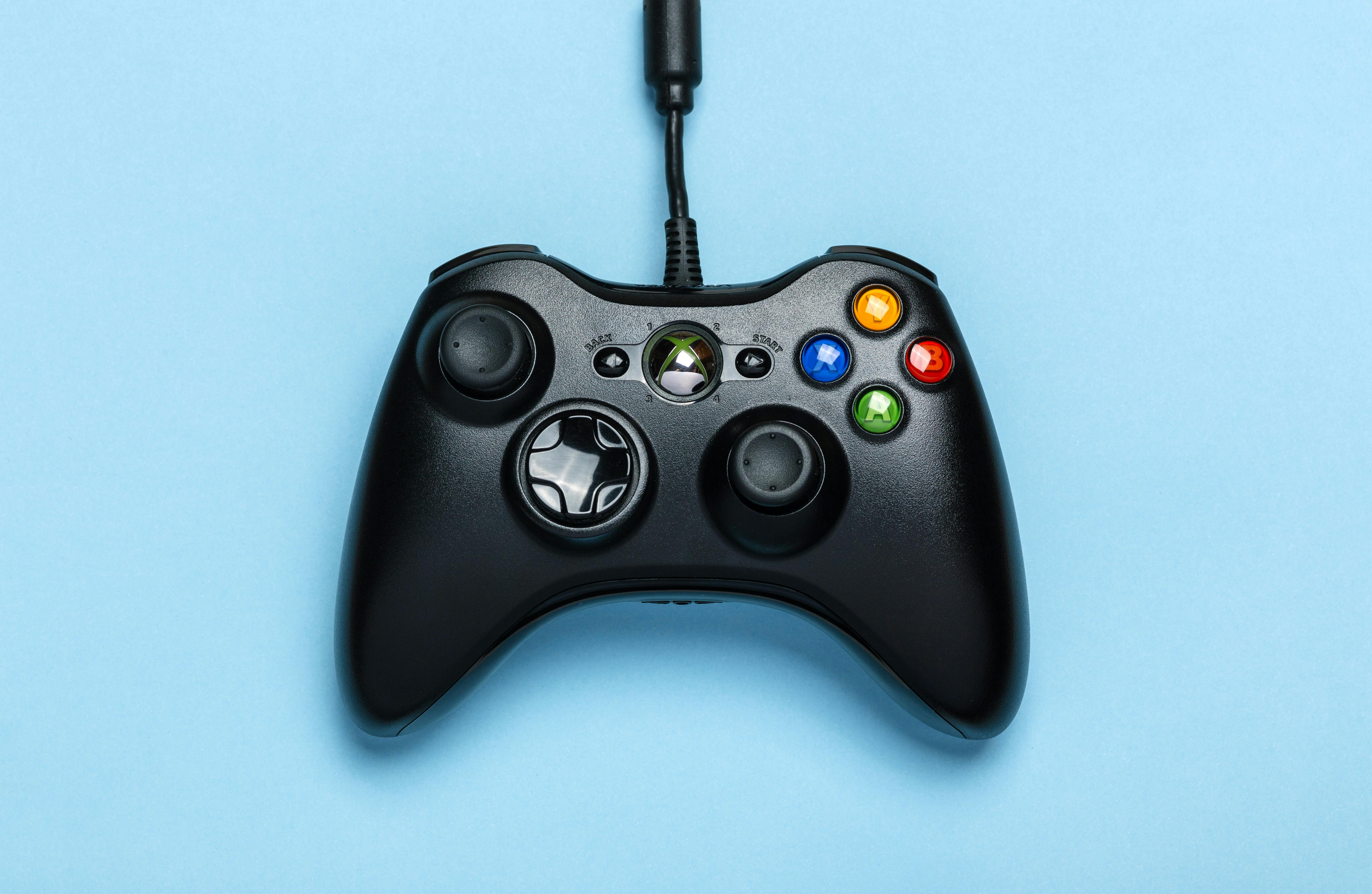
My very first controller was a Plug and Play Xbox 360 USB wired controller. It was less than $20 USD on Amazon and arrived quickly with Prime shipping. It was super comfortable in my hands with nice rubber grips on the joysticks. I especially loved that the cord for the USB was a great length. My laptop would sit on my desk, projecting the game display onto my monitor/TV with an HDMI and connect the controller USB to the laptop, almost like a make shift console! I didn’t need to download any drivers or configure the device. Steam automatically recognized the controller and configured everything for me. It could not have been a simpler experience to set up. Learning how to use it in play was a different story.
Wait, What Does This Button Do?
Interacting with objects, combat, and navigating dialogue options became a much smoother gaming experience immediately. I was a bit slow to remember my rights and lefts and what each button was for, but the controller was surprisingly much more intuitive than I thought it would be. The hardest thing to get the hang of was moving the camera. With lots of practice, and many a murdered mudcrab, I managed to build on my abilities to use both joysticks at once. Slowly I could run and look.

I slowly upgraded that practice to working with archery in the game. Working on drawing the bow and getting that precision kill cutscene was a huge motivator. It helps that the overall game play of Skyrim is fairly simple. Follow this quest, kill and loot everything as you go, turn in said quest and earn money or items to then make your character more powerful. The world is massive and encourages the player to explore and fill in the map with places to go and non-player characters (NPCs) to interact with. So off I went with my controller and soon, I felt like the Dragonborn!

Enter Fenek
My little Xbox 360 controller lasted me a good long time. At least 6 years if my memory serves correctly. Since then, I have upgraded to a Fenek Wireless PC Controller, which is still my everyday-use PC gaming controller. Rather than an Xbox layout, this controller supports more of a PlayStation layout but is still programmed like an Xbox Controller (no shapes on the buttons, still letters). It connects to my computer with a USB receiver. The plug and play feature makes it simple and easy to jump right into the game. I’m mostly impressed with its battery life. On a single charge, I can easily get 12-16 hours of gaming. It does come with a Micro SD wire for charging, but it can still be used while charging. I purchased mine off of Amazon.com a long time ago, however, if you are interested Epic Pants does sell them. I would absolutely purchase a second one for when this one eventually dies on me. Until then, I will continue to enjoy my gaming experience with the comfort of wireless controllers.

By Why Skyrim?
To this day, Skyrim is the one game I point my friends to if they are new to gaming or controllers. The simple process and mechanics of the game give players the perfect start for a low bar for entry. There’s no fancy combinations of button presses to remember for certain moves. Combat can get intense, but you just reload from your last save (which teaches the gamer to save as often as they can!). There’s no punishing mechanic to have to re-loot your stuff.
Even though it is an older game at this point, it is a game that has held up over time and will give the player a good laugh with the occasional bugs. Since it is an older game, it is also on the cheaper end of the budget, regularly going on sale in the Steam store for less than $10 USD. It’s also a wide spread game, being present on every platform you can find games. This also means there’s a ton of guides and videos in the gaming community to help players on their journey should they need it.

Beyond Skyrim
Since starting my controller exploration with Skyrim, I have started playing more games that take advantage of controller support on PC. It also made it easy to jump into PlayStation when I got my first system years later. Even if games like Skyrim aren’t your cup of tea, there are games that can open this door for you as well. Controller and gamepad support are becoming more widespread, especially with more console games also becoming available through PC platforms. The best tip I can give is to just explore it! I don’t use it for every game I play, but for some games, it can make or break the experience. I personally would not have latched onto Skyrim if I continued to fight with the controls on mouse and keyboard. If your favorite game has the option, would you try it out? Let me know in the comments below!
Links:
- The Elder Scrolls V: Skyrim Special Edition Steam Store Page: https://store.steampowered.com/app/489830/The_Elder_Scrolls_V_Skyrim_Special_Edition/
- Epic Pants Fenek Wireless Controller for PC Store Page: https://epicpants.com/products/fenek-pc-game-controller-wireless-game-controller
- Most of the controllers I used are not available anymore as they were purchased years ago. Click here for similiar controllers available on Amazon.com! (note: this is not an affiliate link. Only a link to provide help for those interested)
Enjoyed reading this? Check out my other posts here! Leave a comment below!
This post is not sponsored. All thoughts and opinions have been made independently through experience and time spent with the game.
